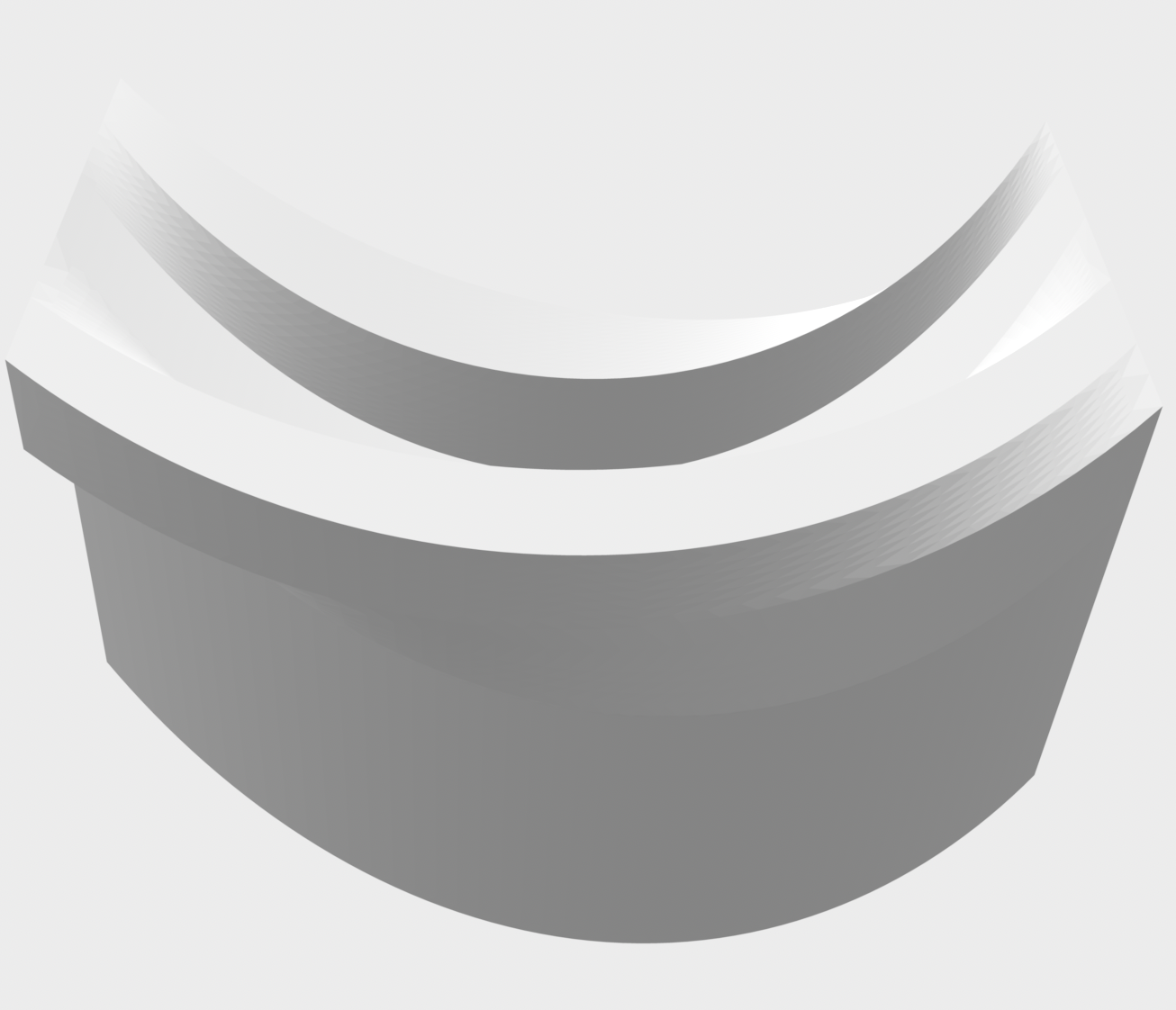
Studio Activities Week 8 Photoshop Task 1st model: I learnt a lot in this activity - here is an image of my first finished model with material added to it and I also added a background for a bit of fun. I tried to capture the lighting effects on the model too. 2nd model: 3rd model: For this one, I wanted to leave the curved pieces in paper to allow for a greater contrast between the material and curved forms. I also added in a different textured background.
Popular posts from this blog
Fusion 360 Task 2 Creating Space using Initials I used my initials E H T to create this space, I encountered some challenges during this task with the part of creating a 'shell' as the exterior parts were too thin. I played around with it and found a solution to edit the original sketches to make the lettres thicker so it would shell properly. Final piece: 1st Attempt:
Fusion 360 Model Transition Space To create a transition space, I created a long hallway that would enter into two separate rooms. I struggled with the process of aligning my model once it was all laid out so I asked for help and realised that my tabs were not linking properly - so I re-created the model again. Creating this model out of paper


Comments
Post a Comment